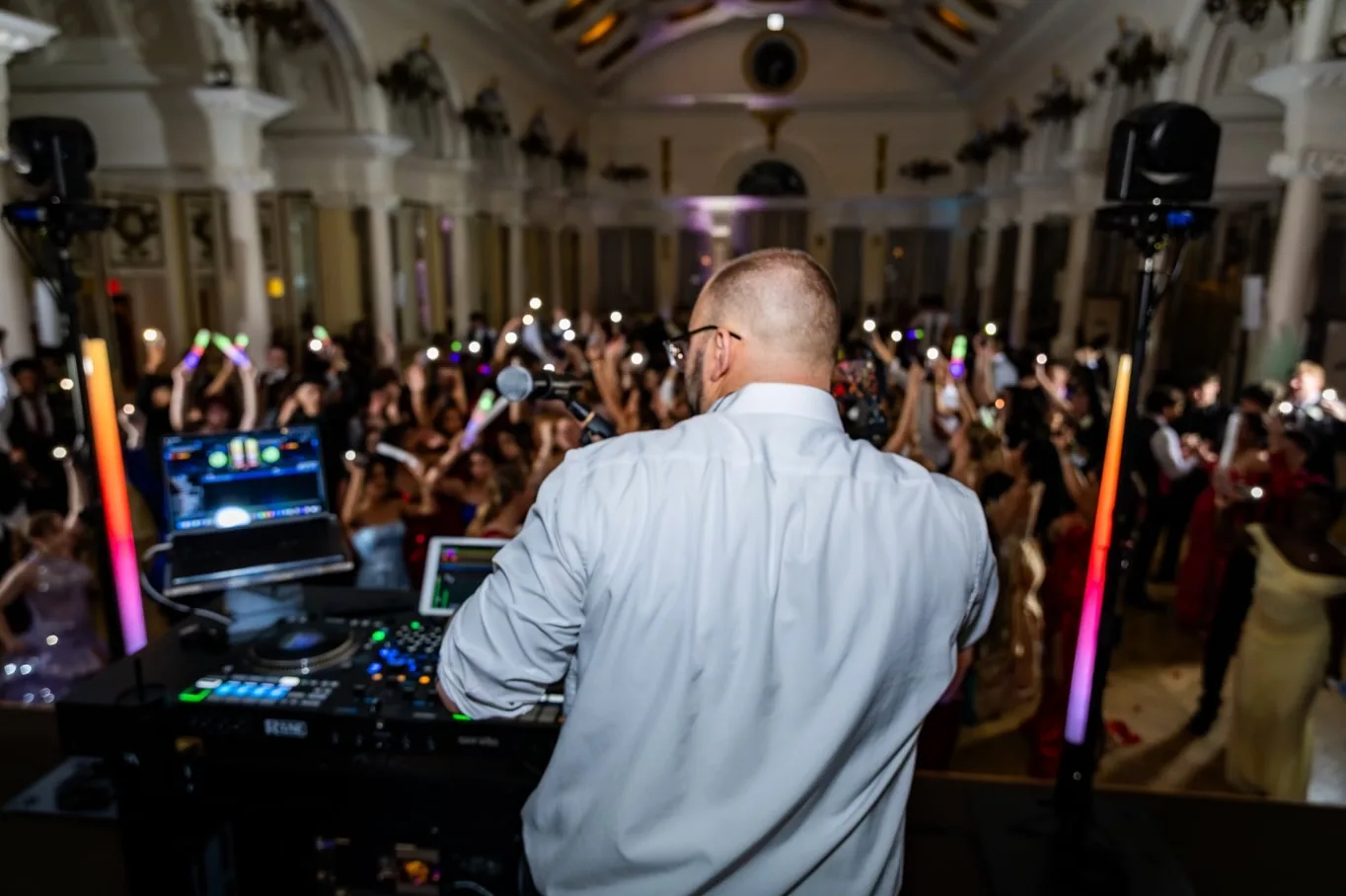
Somehow, picking music for a party has become a shared document with access permissions. You're choosing between two versions of your first-dance song while a little circle announces that someone else is typing. We sell wedding DJ services; we'd also like your engagement to contain some evenings when nobody discusses a spreadsheet.
Use the table as your handoff list. Your job is to tell the DJ what matters to you and identify who can settle the remaining details. You can leave the cable inventory to the person whose evening involves cables. Yours involves getting married, which already seems like plenty.
| Decision | Handoff detail and confirmation |
|---|---|
| Coverage | Locations and hours; DJ confirms coverage and planning deadline. |
| Ceremony | Cues, versions and microphones; officiant and DJ confirm sequence. |
| Background music | Cocktail/dinner moods; you confirm preferences, DJ confirms plan. |
| Introductions | Names, order, pronunciations; you approve wording, planner confirms readiness. |
| Special dances | Versions, start points, endings; you and DJ confirm choices. |
| Music boundaries | Priorities, exclusions, requests; you set the DJ's discretion. |
| Venue details | Venue contact, restrictions, setup, outdoor fallback; venue and DJ confirm. |
| Shared timeline | Current version and decision-maker; planner and DJ confirm changes/cues. |
| Final song | Closing track/private dance; DJ and planner confirm ending. |
What should you confirm before planning your wedding music?
Start with the locations, coverage and planning deadline agreed with your DJ. Confirm which parts of the day need music, microphones or announcements. Ask your venue and DJ to resolve any setup requirements before you finalize the music brief.
A playlist can feel wonderfully productive. You add a song, move it up, move it down, then listen again because apparently the order changed the song. Before this becomes your new unpaid position, mark the spaces your DJ will cover: ceremony, cocktail hour, dinner and dancing, as applicable.
Give each part a simple mood. Dinner might call for relaxed music at a conversational level; dancing might lean toward the genres you both love. Write what you mean by “fun.” That word can cover both a quiet dinner and a room singing with considerable confidence and very little accuracy.
Keep unresolved items visible. A note that says “venue confirming ceremony location” is useful. An empty box just sits there looking innocent. Assign each open question to someone who can answer it, and use the deadline your booked DJ gives you.
Which songs and cues should your DJ have?
For each planned music moment, give the song title, artist and exact version. Add the start point, ending and cue that tells the DJ when to play it. Mark optional traditions as included or skipped, and ask your DJ to confirm any requested edit.
“The version we like” is clear when you're both on the couch. It's less clear when the same title has an original, a live recording and an acoustic cover that sounds like it's apologizing for being at the wedding. Share a link as a reference, then confirm the recording together.
Work through the moments you've actually chosen: ceremony entrances and exit, reception entrance, first dance, family dances and closing song. You can skip traditions. A blank bouquet-toss field shouldn't get a vote in your marriage.
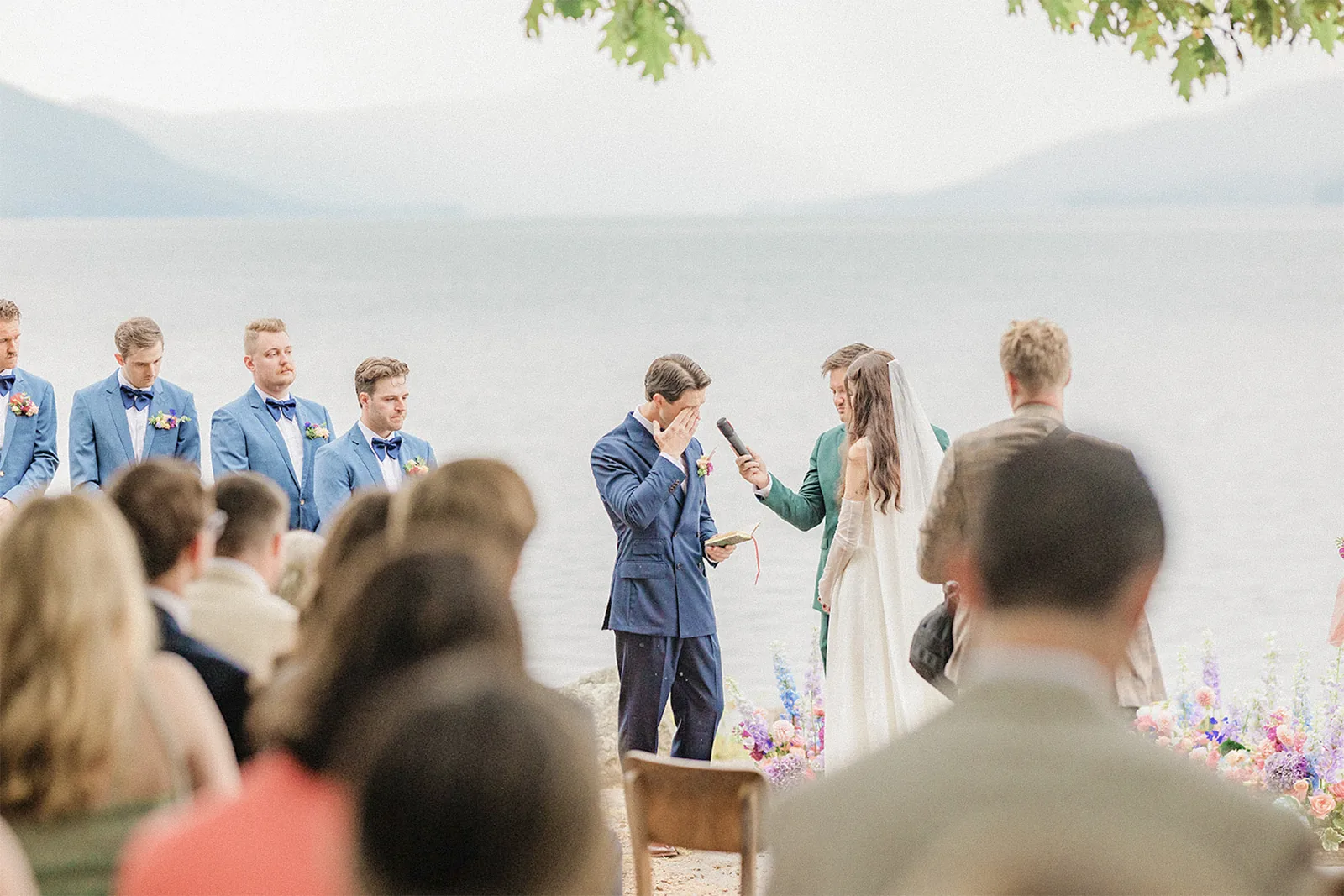
For the ceremony, describe the action that starts each cue: a particular person entering, the officiant finishing a line or the couple beginning the exit. The aisle doesn't need a deluxe edition.
For dances, agree whether you'll use the whole track or an edited ending. Check the version you practice with against the version your DJ will play. Your living-room rehearsal has already asked enough of the coffee table.
Further guidance: DJ planning questionnaire (PDF).
How should your DJ handle requests and announcements?
Separate essential songs, general preferences and music you don't want played. Confirm whether guests can request songs and how your DJ should judge those requests. Give the DJ approved introduction wording, the announcement order and pronunciations for every name they'll say.
A shared playlist lets you add a favorite in two taps. It also lets your partner add a favorite in two taps. Suddenly the list contains both your music tastes and what appears to be a formal challenge. Identify the few tracks that really matter, then describe the wider mix you enjoy.
For exclusions, be specific about songs, artists or genres. Include your preference for clean versions and any cultural or family considerations you want the DJ to respect. You don't owe the DJ the full story behind a banned song. “Please don't play this” can do the work of a very long group-chat message.
Record pronunciations as short voice notes if your DJ accepts them. Check names with the people involved, and identify who'll confirm everyone is ready for introductions. A spelling check can't tell the microphone where to put the emphasis.
In Junebug Weddings, The Stars Inside recommends giving your DJ “a list of not-to-play songs, so they know what to avoid.”

Further guidance: Junebug Weddings' advice from wedding vendors, including The Stars Inside.
See how we shape music, hosting and planning around your wedding in the VARA experience.
What should you check with your venue and vendors?
Give your DJ the venue contact, room locations, access arrangements and any sound restrictions. Confirm who supplies ceremony microphones and how audio coverage works across the spaces you're using. For outdoor plans, have the venue, planner and DJ agree on the alternative location and who approves the change.
The terrace looks gorgeous in the photos. The photos are less helpful about where the DJ can unload, when the room opens or whether dinner and dancing happen in different spaces. Send those questions to the venue and DJ together. Nobody needs you shopping for a speaker stand between seating-chart revisions.
Share contact details for your planner or coordinator, officiant, photographer and relevant venue or catering lead. Identify who can authorize timing changes and who gives cues for entrances, speeches and dinner service. Your DJ needs a person with an answer, rather than a group chat with six thoughtful reactions.
If dinner timing changes, the planner, catering team and DJ should share the update before an announcement. Keep that decision in the shared timeline. This is where a clear contact list earns its place: dinner can stay dinner, without becoming a small committee meeting beside the dance floor.
What belongs in your final DJ handoff?
Send one current brief containing your music choices, pronunciations, vendor contacts and approved timeline. Label the version clearly and identify the person authorized to approve changes. Ask your DJ to acknowledge receipt, flag missing details and confirm that requested tracks and edits are understood.
The easiest file to use is the one everyone agrees is current. A document titled “new version” loses its meaning the instant another new version exists. Give it a date, retire the earlier copies and share updates through the channel your DJ asks you to use.
Review the brief together, including the unglamorous bits: skipped traditions, microphone users, who cues introductions and how the night ends. They're easy to overlook because none of them belongs on the mood board. Still, “who tells us when to walk in?” deserves an answer before you're standing behind a door in formalwear.
Choose a contact for wedding-day questions so your DJ can resolve changes through the agreed person. Keep private surprises in a separate conversation with the DJ and the relevant coordinator. A shared document is excellent at sharing. It has no instinct for keeping a surprise from the person whose name is in its title.
How does VARA help you plan the music?
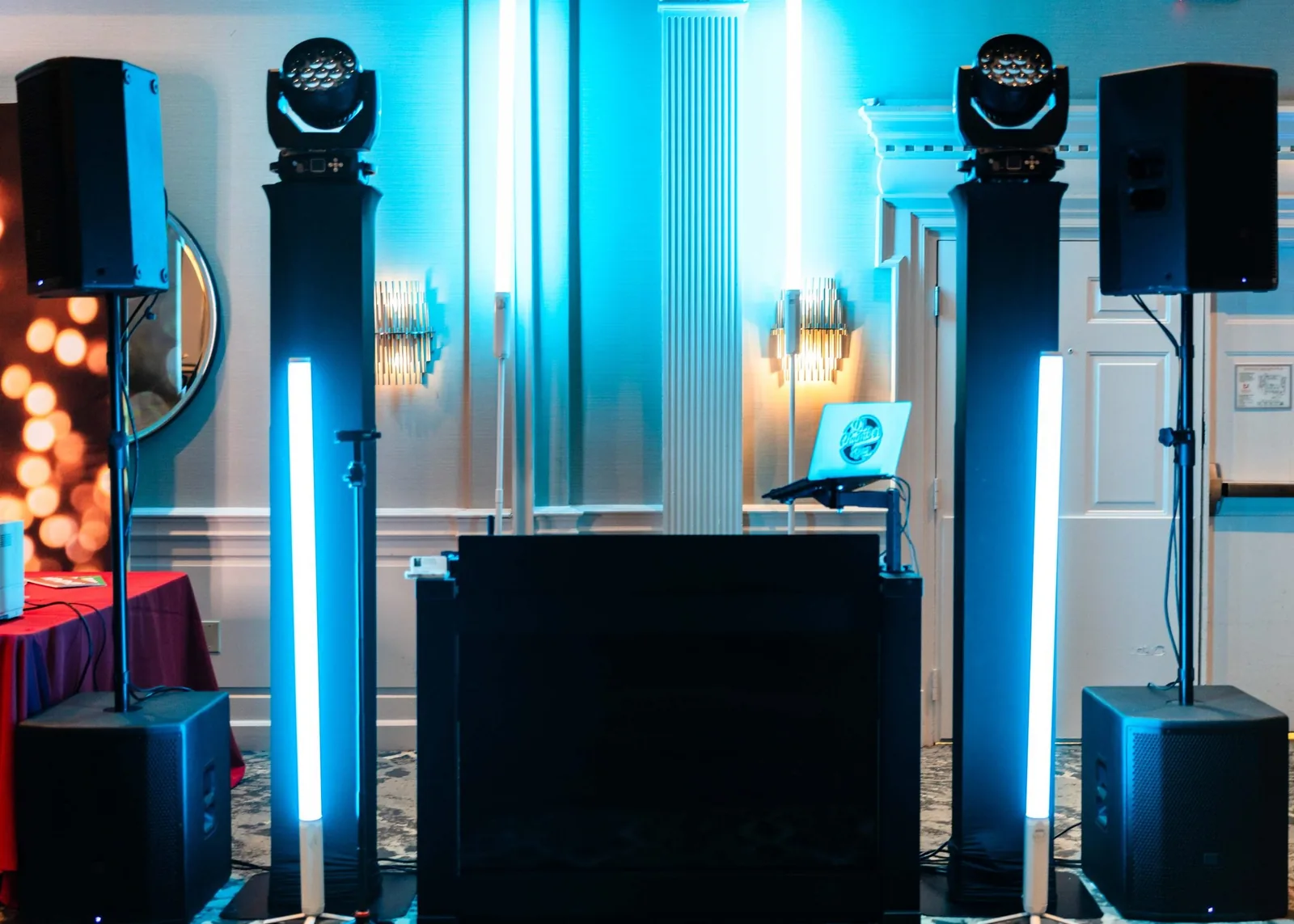
VARA provides personalized wedding music planning through our app. Ceremony audio options include microphones for the officiant and vows. Share your chosen moments and music preferences with us so we can discuss how they fit your wedding plans.
The app gives your planning a home. It still needs your decisions: which version you love, whose name needs a pronunciation note and whether a tradition belongs in your day. If you disagree about a song, mark it as undecided. A playlist doesn't become a relationship counselor just because you've both downloaded it.
Bring those questions to planning. Explain your non-negotiables and atmosphere; flag details needing a venue or vendor answer. You can care deeply about the music without spending your engagement supervising every transition.
Frequently asked questions
What information does my wedding DJ need?
Your DJ needs locations, booked coverage, key songs and versions, ceremony cues, names and pronunciations, music boundaries, vendor contacts and a current timeline. Include who can approve changes and which details are still awaiting confirmation.
When should I send the final details to my DJ?
Use the deadline and submission method your booked DJ provides. Confirm those requirements during planning, then ask how later changes should be sent. There's no single deadline that applies to every provider or wedding.
How many must-play songs should I choose?
Ask your DJ how many priorities will fit the dancing time you've planned. Separate essential tracks from broader preferences, and leave room for the DJ to respond to the room within your agreed boundaries.
Can guests request songs at my wedding?
Yes, if that's what you and your DJ agree. Confirm whether requests are welcome and whether the DJ can decline songs that conflict with your exclusions, clean-version preference or the planned flow.
Do we need music for every traditional wedding moment?
No. Choose the moments you want and clearly mark the others as skipped. For each included moment, confirm the song, version and cue so an unused questionnaire field doesn't become an assumed part of your day.
Bring your questions. We'll bring a plan.
Have your date and venue ready, along with the moments you want covered and the music that matters to you. Talk with VARA about your wedding plans and the details still to confirm.
Check your date